7shifts is the best restaurant employee scheduling software for multi-location groups and restaurants that run private events. If you need a free plan, start with Sling (free for up to 30 users) or ZoomShift (free for up to 20 users at one location).
Homebase suits single-location restaurants that want hiring, time clocks, and payroll in one app. Deputy and When I Work fit teams that care most about timesheets and labor compliance.
We talk to a lot of restaurant managers who still build the rota in a spreadsheet. That works fine until two servers call out on a Friday and a 40-person birthday dinner walks in at seven. Below, we compare all nine platforms on price, free plans, and POS integrations, then cover how to staff private events without the scramble.
Restaurant Employee Scheduling: Top 9 Platforms
Each review starts with who the platform suits. Then you'll get the price, three standout features, and one limitation to know about before you commit.
7shifts
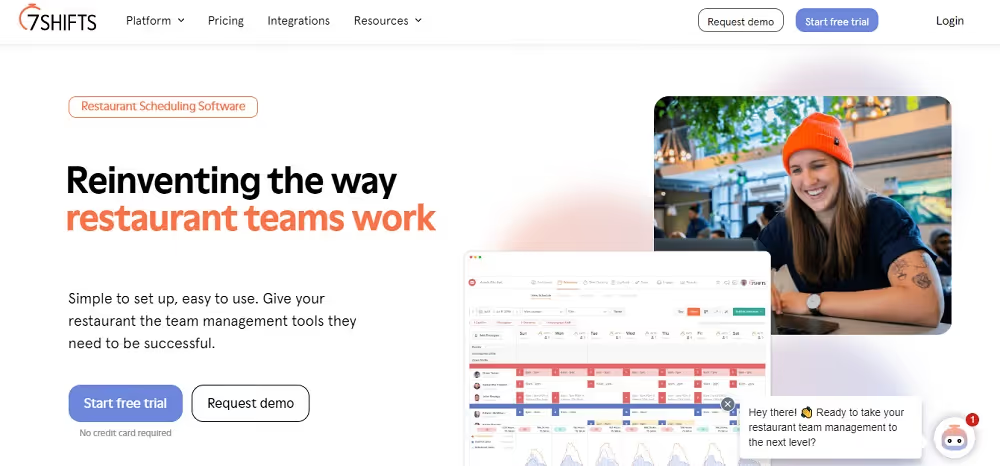
Best for: Multi-location restaurant groups and restaurants that run private events.
7shifts was built for restaurants, and it shows. Automated tip pooling helps here, since federal rules limit who can share in a tip pool and ban managers from taking a cut (US Department of Labor).
It has a robust set of features that simplify the scheduling process for managers and is easily accessible to employees. You get a user-friendly interface with intuitive shift scheduling, efficient communication tools, and effective labor cost management. 7shifts also offers a mobile app, making it easy to keep up with schedules on the go.
Price: The free Comp plan covers one location with up to 15 employees. Paid plans start at $49.99 per location per month, or $44.99 billed annually for teams with 1-30 employees.
Key features:
- Shift scheduling with labor cost tracking against sales.
- Team messaging, so shift swaps don't get lost in a group chat.
- Automated tip pooling that calculates tips from shift data and pays them out to staff.
Limitation: Pricing is per location, so the bill climbs as your group adds sites.
Homebase
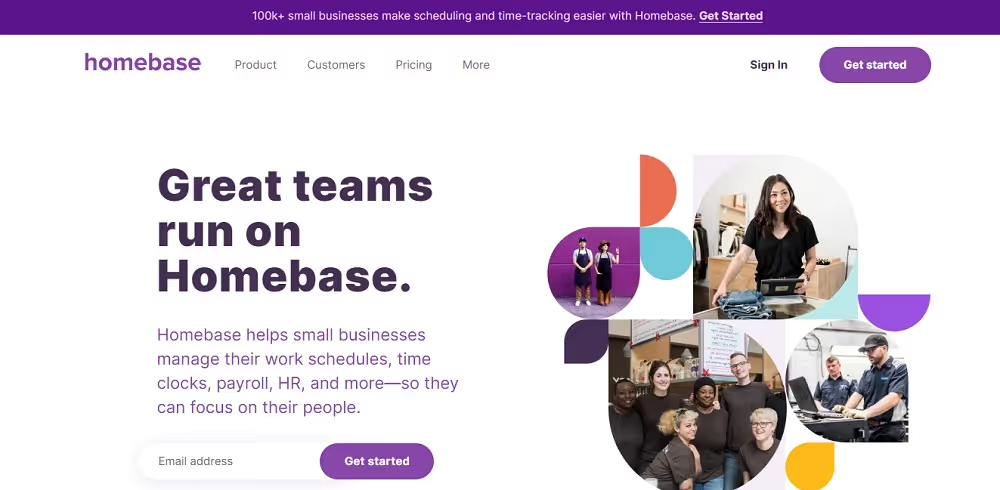
Best for: Single-location restaurants that want scheduling, time clocks, hiring, and payroll in one app.
Homebase is an all-in-one workforce management solution that includes powerful scheduling and time-tracking features. It’s a popular choice for many businesses, including restaurants. However, the platform is not purely designed for restaurants, so it doesn’t have restaurant-specific features.
Homebase goes beyond basic scheduling by offering additional functionalities such as payroll management and time-clocking tools.
Price: The free Basic plan covers one location with up to 10 employees. Paid plans start at $30 per location per month. Payroll is an add-on at $49 per month plus $6 per employee paid.
Key features:
- Scheduling and a time clock in the same app.
- Hiring tools, including job posts and background checks.
- POS integrations with Toast, Square, Clover, and Lightspeed.
Limitation: Homebase serves all kinds of small businesses, so it has fewer restaurant-specific tools than 7shifts.
TimeClock Plus
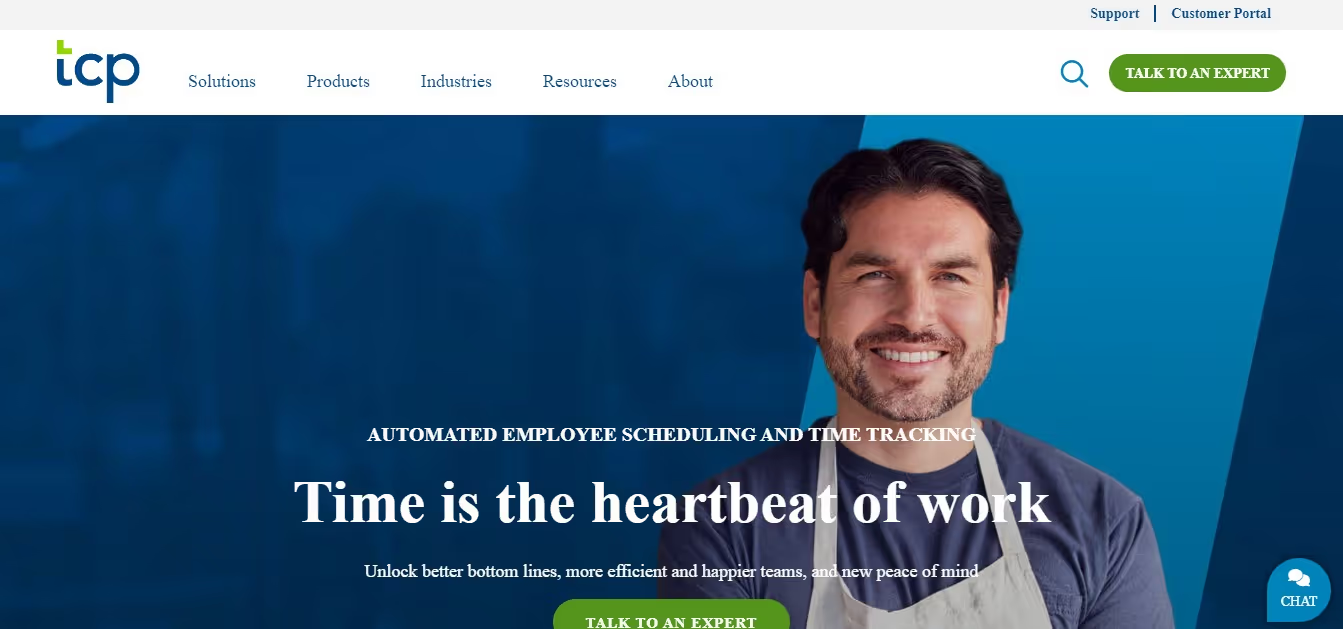
Best for: Restaurant groups whose main headache is accurate time tracking.
TimeClock Plus is a straightforward solution for employee scheduling. The platform focuses on time tracking and clocking shifts, which is really useful if employees are paid by the hour.
Beyond scheduling, the platform offers useful features for leave management, and it seamlessly integrates with payroll systems. While it’s not specifically designed for restaurants, the solution is easy enough to incorporate into your existing operations and restaurant management systems.
Price: There's no free plan, but you get a 30-day free trial. Essentials costs $2.75 per employee per month, billed annually.
Key features:
- Time tracking and shift clocking for hourly staff.
- Leave management.
- Payroll integration.
Limitation: TimeClock Plus doesn't list any POS integrations, so you can't compare labor against sales inside the tool.
ZoomShift
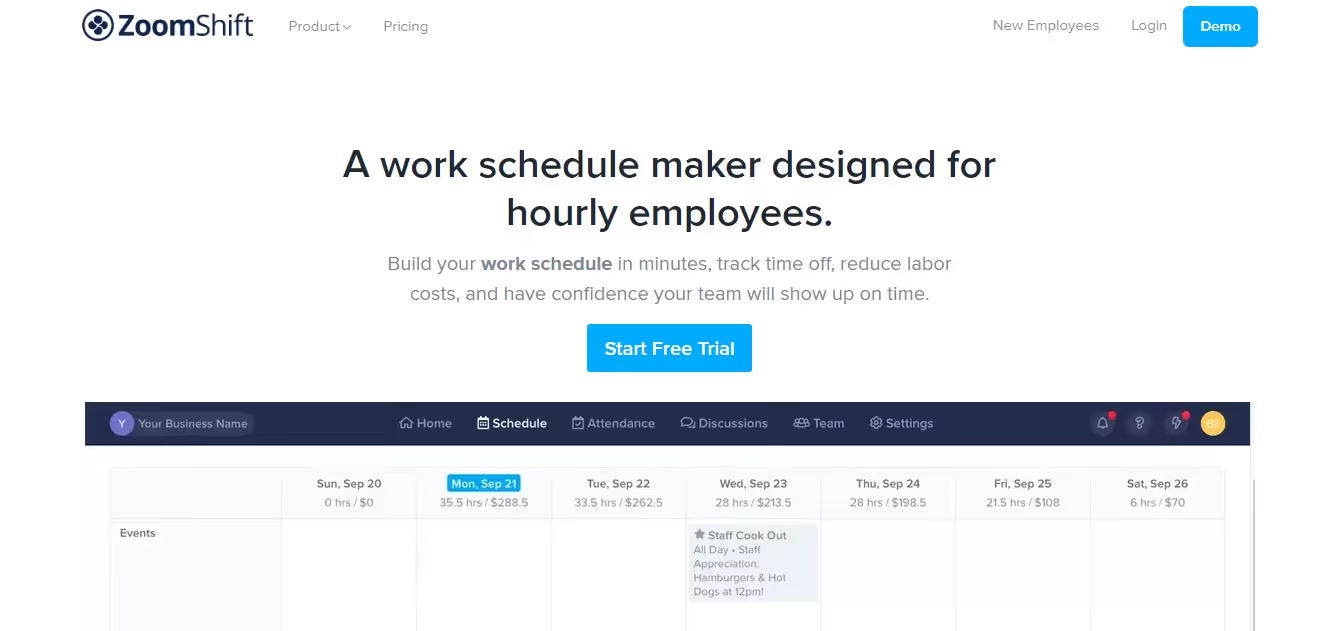
Best for: Small teams trying scheduling software for the first time.
ZoomShift is a free work schedule marker and time clock app. As a free tool, you can't expect it to offer a diverse range of features. However, the platform is easy to use and does a good job of simply helping you manage and schedule shifts.
ZoomShift caters to small businesses across industries, so don't expect any restaurant-specific functionality.
Price: The free Essentials plan covers up to 20 users. Starter costs $2 per active team member per month, and Premium costs $4.
Key features:
- Drag-and-drop schedule building.
- Labor cost forecasting.
- Team communication tools.
Limitation: The free plan covers one location and only lets you schedule two weeks ahead.
Sling
Best for: Budget-conscious teams and restaurants already running Toast.
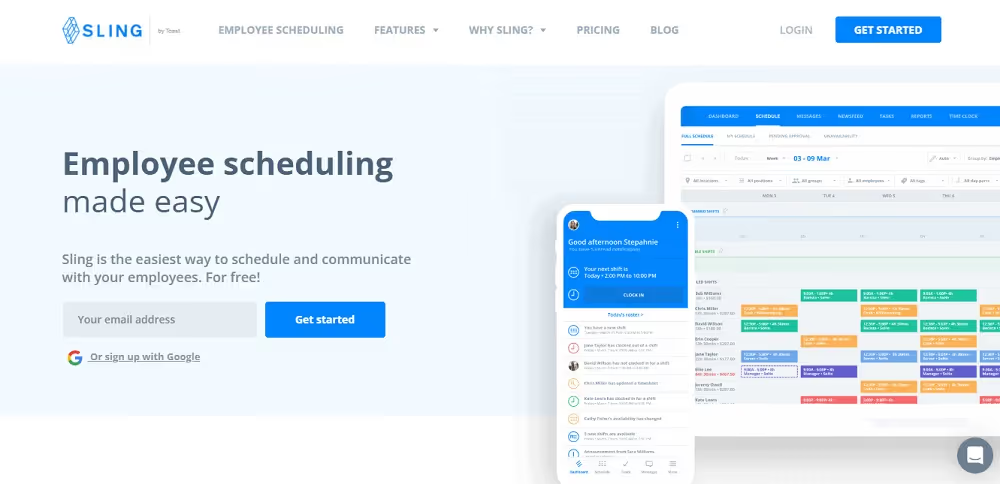
Sling is another free platform that offers employee scheduling in a simple format. Beyond being very user-friendly, Sling also offers a restaurant-specific scheduling platform. This makes it an excellent choice, as it’s easy to integrate into any existing systems your restaurant uses.
Sling offers features like shift planning, time tracking, and team messaging, providing a comprehensive solution for scheduling and team coordination. Sling also incorporates tools to manage labor costs effectively. This can go a long way in improving operational efficiency for restaurant managers.
Price: Sling is free for up to 30 users. Premium costs $2 per user per month ($1.70 billed annually), and Business costs $4 ($3.40 billed annually).
Key features:
- Shift planning and team messaging on the free plan.
- Time tracking and labor cost tools on paid plans.
- POS integrations with Toast, Square, Harbortouch, Restaurant Manager, and POSitouch.
Limitation: Time tracking and labor cost tools need a paid plan, so the free version is scheduling only.
Toast now owns Sling, so Toast restaurants get the tightest fit.
When I Work
Best for: Businesses with hourly staff across different industries, restaurants included.
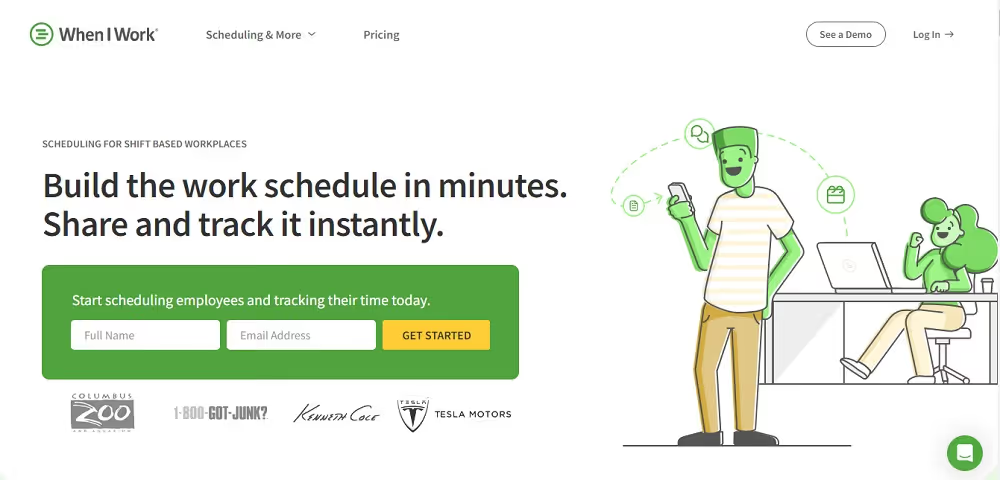
When I Work is a user-friendly employee scheduling platform designed to accommodate various industries, including restaurants. Its intuitive features include employee scheduling, a time clock, team messaging, and payroll management. Basically, you get everything you need to streamline restaurant HR.
Price: There's no free plan, but you get a 14-day free trial. Plans start at $2.50 per user per month.
Key features:
- Employee scheduling with a mobile app.
- A built-in time clock.
- Team messaging.
Limitation: Square is the only POS integration on its integrations page.
TeamBridge
Best for: Large operators hiring and scheduling a high volume of hourly workers.
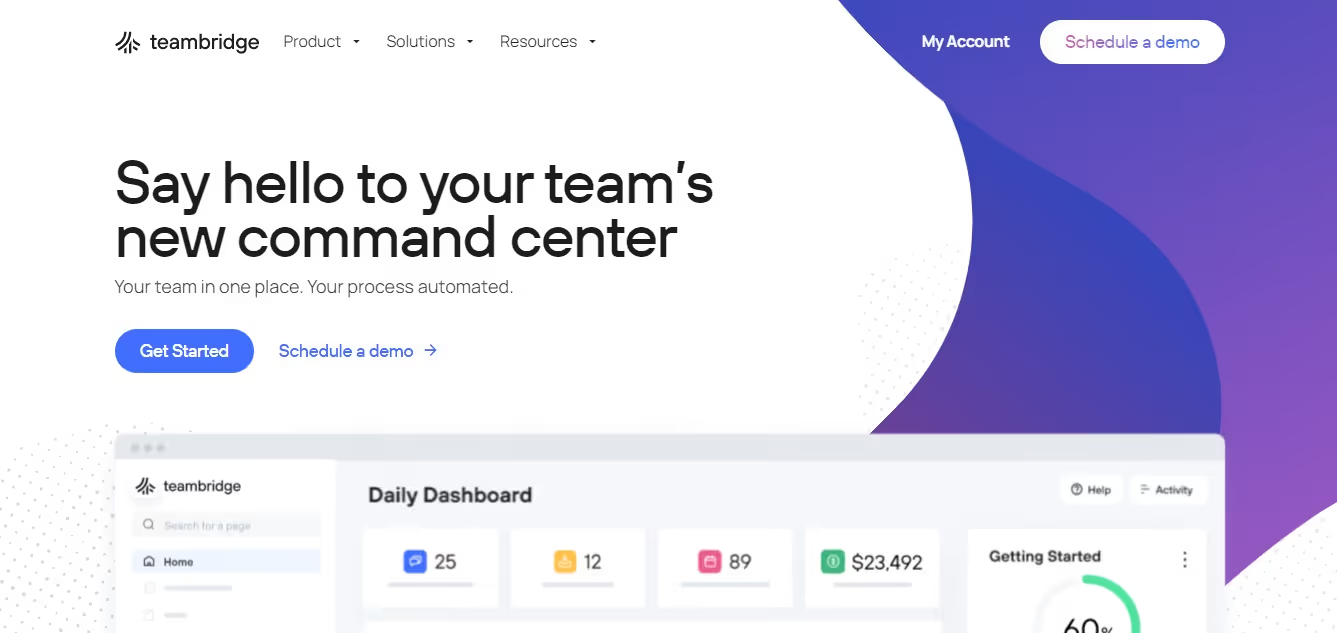
TeamBridge is a complete workforce management platform offering comprehensive solutions for employee scheduling.
The platform combines features like shift planning, time and attendance tracking, and communication tools to streamline the scheduling process. It’s not as straightforward as other employee scheduling solutions, but TeamBridge does include a wide range of tools and functions to ensure every element of employee management is covered.
TeamBridge also has a major focus on automation. This means the tool can help restaurants save hours through smart scheduling workflows.
Although TeamBridge is not designed for the restaurant industry, restaurants can still easily use the many different features that the platform offers.
Price: There's no free plan. Starter is listed at $1,800 per month for up to 100 active users.
Key features:
- Shift planning with automation to cut manual scheduling.
- Time and attendance tracking.
- Recruiting and onboarding tools.
Limitation: At $1,800 a month to start, it's out of reach for most independent restaurants.
Social Schedules
Best for: Hospitality teams that want to schedule against sales.
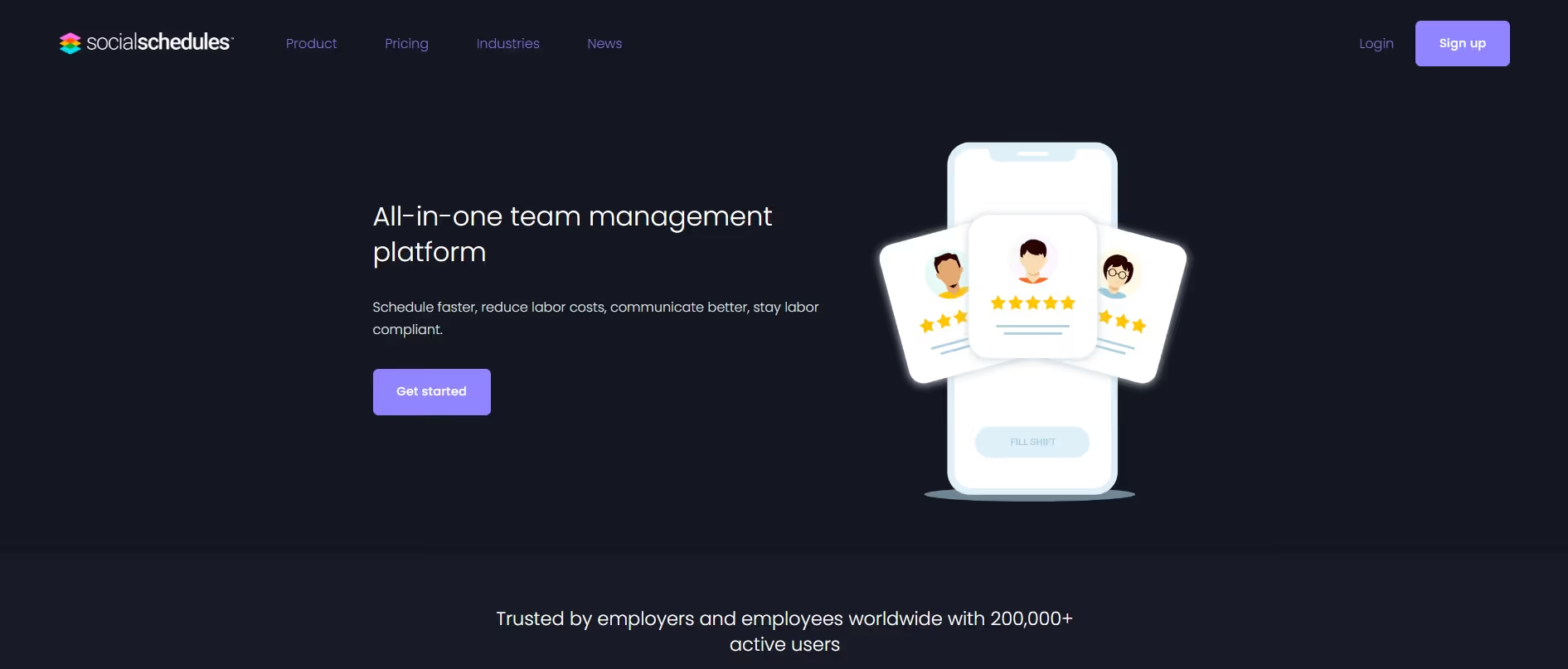
Social Schedules is an all-in-one team management platform with robust scheduling and communication features that meet the unique needs of the hospitality industry. It includes powerful shift management tools, time-tracking capabilities, and messaging functionalities to facilitate seamless communication among restaurant staff.
Price: The free plan covers one location with up to 10 workers. Starter costs $15.99 per location per month, and Premium costs $39.99 per month (billed annually).
Key features:
- Shift management and time off requests.
- POS sales import, so you can schedule to demand.
- Team messaging.
Limitation: Toast and Clover don't appear on its integrations page, so check your POS first.
Deputy
Best for: Growing teams that need timesheet and labor compliance tools.
Deputy is a comprehensive workforce management solution that includes sophisticated employee scheduling features. It offers tools for time clocking, timesheets, and staff rota management. All employee work hours can be easily exported to your payroll system, and all shifts are easily communicated to employees to keep everyone in the loop.
Price: There's no free plan, but there's a free trial. Plans cost $5, $6.50, or $9 per user per month, with 10% off for annual billing.
Key features:
- Time clocking and timesheets.
- Staff rota management.
- Payroll integration, plus POS links with Square, Clover, Lightspeed, and Revel.
Limitation: Add-ons raise the cost fast. Deputy Payroll alone adds $8 per user per month plus a $49 monthly base fee.
Conclusion
The employee scheduling platform you choose should depend on any existing software and operational solutions that your business uses.
Try to make use of free trials, and experiment with different employee scheduling platforms and features until you find the right one for your business. When properly incorporated, this can make an enormous difference to your operations.
If your restaurant runs events, then you’ll also want to use the right venue management solution to streamline your day-to-day. Watch a demo with Perfect Venue to see how our platform can revolutionize your venue operations.
Frequently Asked Questions
What are the best restaurant employee scheduling platforms?
The top nine are 7shifts, Homebase, TimeClock Plus, ZoomShift, Sling, When I Work, TeamBridge, Social Schedules, and Deputy.
Are there free restaurant scheduling tools?
Yes. 7shifts, ZoomShift, and Sling offer free plans with basic scheduling functionality.
Which scheduling platform handles tip pooling?
7shifts includes automated tip pooling that calculates tips based on employee shifts and sends them straight to employees.
Why use scheduling software in a restaurant?
Scheduling shifts, tracking employee hours, and managing rotas is one of the most time-consuming parts of running a restaurant. Software automates it.