
Some of the best restaurant event management software platforms are Perfect Venue, SevenRooms, Tripleseat, Eventbrite, Planning Pod, and iVvy. Each one centralizes a different part of running private events, from proposals and banquet event orders to guest data and ticketing, so a restaurant's event bookings don't have to live across scattered emails and spreadsheets.
Managing restaurant events without the right software eats up hours you don't have. Between checking availability, chasing signatures, and building banquet event orders by hand, event logistics can turn into a full-time job on top of your full-time job.
The good news is there's a software platform for nearly every part of the process now, from all-in-one dashboards to tools built purely for ticketing or event marketing. Picking the right one comes down to matching the software to how your restaurant actually runs events.
Here's our current list of the best restaurant event management software platforms and what each one does well.
TL;DR
- Restaurant event management software centralizes bookings, proposals, contracts, and payments, so events don't run through scattered emails and spreadsheets.
- All-in-one platforms like Perfect Venue and Tripleseat cover the full event lifecycle out of the box. Others, like SevenRooms, build events in as an add-on to a broader reservations and CRM system, while Eventbrite focuses more narrowly on public ticketing and event marketing.
- The right fit depends on your venue type, event volume, and whether you need extras like a built-in CRM, ticketing, or catering-specific costing tools.
What Is Restaurant Event Management Software?
Restaurant event management software helps you plan, book, and run private events at your restaurant, bar, brewery, or venue. It can cover the entire event lifecycle – everything from a first inquiry through the signed contract, the banquet event order, and the final invoice.
Restaurants relying on shared inboxes, spreadsheets, and paper calendars tend to lose track of details fast, especially once you're juggling more than a couple of events a week. A dedicated venue management platform keeps everything in one place instead. Your calendar, your documents, your client communication, and your payments in one central system.
Some platforms take an all-in-one approach and handle the entire event process from a single dashboard. Others focus on one piece of the puzzle, like event marketing, ticketing, or catering logistics.
Because restaurants run such different types of events (from a Tuesday night buyout to a full wedding reception) there's no single right answer on what’s best. It depends on what your venue specifically needs.

Why Restaurant Event Management Software Matters
Private events aren't a side project for most restaurants anymore. Whether it's a weekly private dining booking or a one-off special event, it adds up.
Overall restaurant and foodservice sales are projected to reach $1.55 trillion in 2026, according to the National Restaurant Association's 2026 State of the Restaurant Industry report.
Operators who lean into building out a private events program are grabbing a growing slice of that.
In our experience, the events that go sideways usually come down to the same few things: a double-booked room, a proposal that sat in someone's inbox too long, or a BEO that never made it to the kitchen.
Software doesn't fix bad communication on its own, but it removes a lot of the manual busywork that causes it.
Among restaurants that added new technology over the past two to three years, 69% reported meaningful gains in efficiency and productivity, according to research from EHL Hospitality Business School. If you're still hosting private events off a shared calendar and a stack of email threads, that's usually the first sign it's time to switch.
Key Features to Look for in Restaurant Event Management Software
Not every platform needs every feature below. But these are the tools that make the biggest difference across the event planning process, from a restaurant's first inquiry through the event itself.
- A Centralized Events Calendar: A shared calendar that shows every event, lead, and hold at a glance stops double bookings before they happen. It's the backbone of the booking process on almost every event management platform.
- Digital Proposals and Contracts: Sending a professional, branded proposal within minutes of an inquiry makes a real difference in close rates. Look for software that lets you build event proposals from templates instead of starting from a blank document every time.
- Automated Banquet Event Orders: A banquet event order (BEO) is the internal document that tells your kitchen and floor staff exactly what's happening at an event, down to the menu, setup, and timing. Software that auto-generates BEOs from your event details saves a surprising amount of back-and-forth.
- Attendee Management and Check-In: For larger or ticketed gatherings, attendee management tools that track RSVPs, guest counts, and day-of check-in keep your floor team from guessing who's actually shown up. It also makes handing off event tasks between your sales and operations staff a lot cleaner.
- Online Inquiry Forms: A well-built event inquiry form on your website captures the details you need up front (guest count, date, budget) so your team isn't stuck playing email tag before a first response.
- CRM and Guest Data: Some platforms build in a full restaurant CRM, tracking every past inquiry and booking so you can spot repeat clients and follow up on leads that went cold. Others integrate with a separate event management CRM instead of building one natively.
- Online Payment Processing: Collecting deposits and final payments online, instead of chasing checks, speeds up your cash flow and cuts down on no-shows for events that require a deposit to hold the date.
Best Event Management Software for Restaurants: Compared at a Glance
6 Best Restaurant Event Management Software & Tools in 2026
Here's a closer look at each platform, including who it's best for and where it shines and falls short.
1. Perfect Venue: Best All-in-One Event Management Software
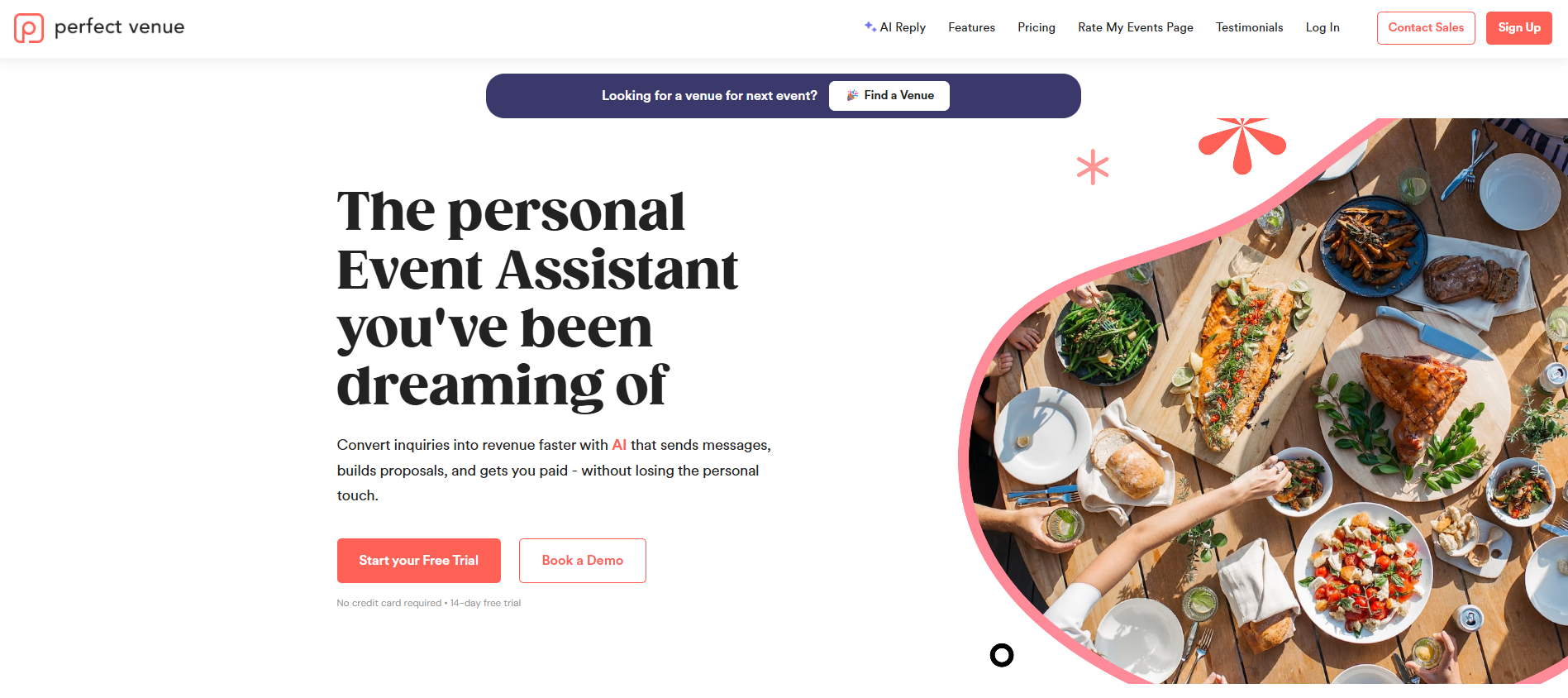
Perfect Venue is an extensive event management software solution for restaurants, breweries, caterers, and hospitality groups that host private events. The platform takes an all-in-one approach, so you can stay in control of the entire event management process from a single dashboard. There are plenty of great integrations available so that you can easily use Perfect Venue with your existing software tools.
The platform is centered around a shared events calendar so you can see every lead and booking at a glance. It lets you automate a lot of the repetitive work, including generating proposals and BEOs (see our free BEO template) and sending reminder emails from a library of templates that can automatically populate event information.
The platform also includes AI Reply, which drafts responses to event inquiries that your team can review and send, making responses much quicker.
For payments, Perfect Venue integrates with Stripe and Square so venues can collect deposits and issue refunds online, and it connects with tools like Google Calendar and Gmail so your team isn't switching between systems all day.
With its analytics features, you can set goals, compare sales year over year, and see exactly how much event revenue is confirmed versus still sitting in the pipeline. Reports break down leads, response times, confirmed events, lost leads, and conversion rates, and a weekly digest lands in your inbox automatically for regular updates.
Last but not least, Perfect Venue also runs a venue marketplace that works like Airbnb for event spaces. Event planners can search the marketplace directly to find and book venues, which gives your listed venue an extra channel for inbound leads beyond your own website and referrals.
Main Features
- Centralized events calendar
- Team task management
- Automated proposals and BEOs
- AI-assisted email replies and email templates for quick and easy responses
- Real-time analytics dashboard with weekly digests
Pricing & Plans
Perfect Venue runs on four tiers, billed per location. Billed monthly, pricing is as follows:
- Basic starts at $139/month and covers the core event platform
- Professional starts at $239/month and adds more flexible payment options and support for multiple event policies.
- Premium is $339/month and layers in sales team features, enhanced branding, and lower-cost ACH payments.
- Enterprise is a custom quote for venues that need multi-day event booking, advanced contracting, or custom guest questionnaires.
Lower rates are available on annual billing, and a 14-day free trial is available on any plan so you can test out all the features before you commit. No credit card is needed for sign-up.
2. SevenRooms: Good for Event Marketing and Guest Data
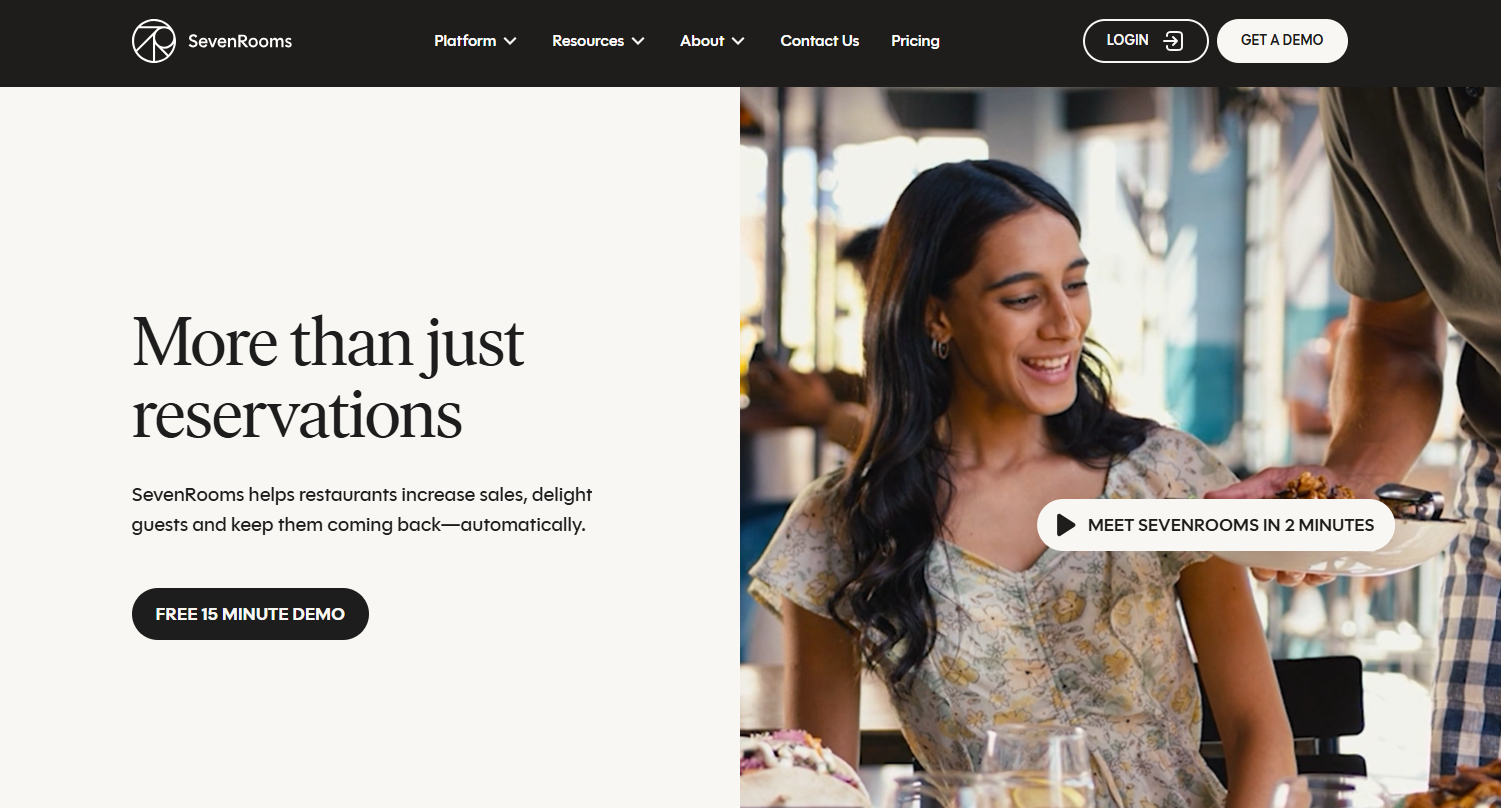
SevenRooms is a hospitality CRM and reservations platform, with event management as one piece of a bigger guest experience system. It builds detailed guest profiles by combining reservation history, tags, and segmentation, so your team can see who's a regular, who's overdue for a follow-up, and who's worth a personalized offer without digging through separate spreadsheets.
Marketing runs on the same guest data, with automation that ranges from pre-built email templates to AI-assisted campaigns that adjust based on how a guest has engaged before.
Beyond its CRM, SevenRooms handles branded reservations, waitlist and table management, and reputation management in one dashboard.
For events specifically, a dedicated add-on lets you showcase menus, minimums, availability, terms, and payments for spaces like private dining rooms or wine cellars in one flow, so a private event inquiry doesn't have to be handled outside the same system as your regular reservations.
See our full SevenRooms review here.
Main Features
- Hospitality CRM with guest profiles, auto-tags, and segmentation
- Branded reservations, waitlist, and table management
- DoorDash and Deliveroo reservation marketplace access with no cover fees
- Marketing automation, from pre-built templates to custom, AI-assisted campaigns
- Private event management (menus, minimums, availability, terms, and payments) available as an add-on
Pricing & Plans
SevenRooms offers three tiers:
- Starter covers CRM, guest profiles, branded reservations, and marketplace access with no cover fees
- Growth adds a multi-venue reservation widget and ticketed events
- Premium layers in custom automations and a set of AI tools.
Add-ons like Voice AI, event management, and a multi-location Group Portal are priced separately. You'll need to request a quote for an actual number, and there's no free trial.
3. Tripleseat: Best for Managing Event Sales and Bookings
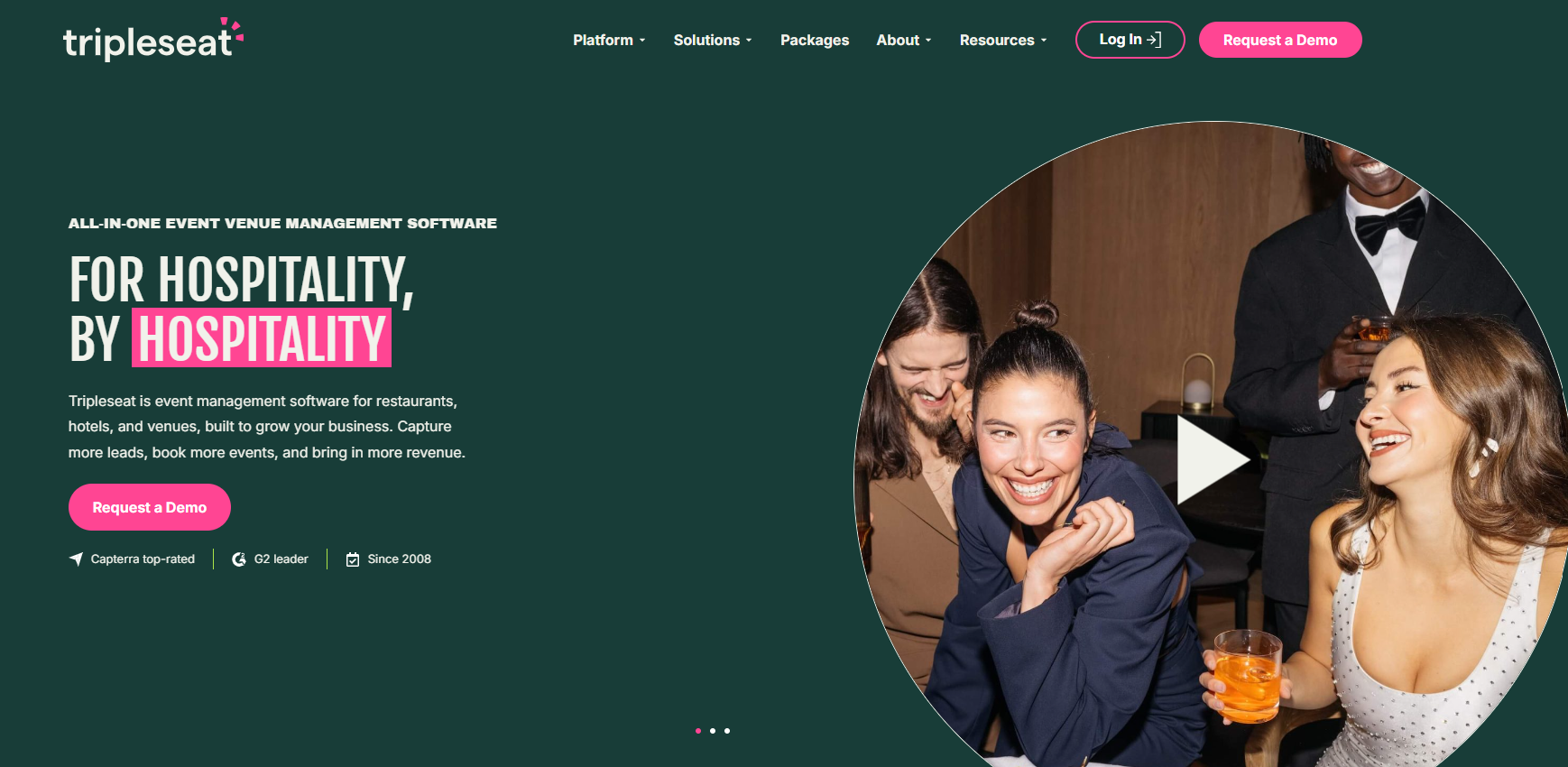
Tripleseat is a popular event management solution for restaurants, hotels, caterers, and unique venues, with a focus on helping sales teams close more event business. It centers on four stages of the event lifecycle: capturing leads, booking events, planning the details, and tracking growth.
On the capture side, an inquiry inbox pulls in requests from every channel into one place, web forms grab the right details upfront, and a listing in Tripleseat's venue marketplace puts your space in front of planners who are actively searching.
Once a lead is ready to book, you can send custom BEOs and contracts out for digital signature and collect deposits and payments from the same dashboard, or let guests confirm smaller bookings themselves without a phone call.
For planning, floor plan tools help you visualize the space, a shared calendar lets your team make group-wide schedule changes at once, and automated messages trigger based on rules you set, so a lead doesn't go cold just because no one remembered to follow up.
On the growth side, built-in reporting surfaces event patterns and revenue trends, and multi-location tools help restaurant groups cross-sell and coordinate across venues.
See our complete Tripleseat review for the full breakdown.
Main Features
- Inquiry inbox and web forms for capturing leads from every channel
- Digital BEOs, contracts, and e-signatures
- Online payments and deposit collection
- Floor plan tools and a shared, group-wide calendar
- Pipeline insights and multi-location reporting
Pricing & Plans
Tripleseat’s pricing depends on volume, number of locations, and which add-ons you need. The base package covers the full platform (capture, book, plan, pay, and grow), and you can layer on add-ons like Direct Book (self-serve online booking), Floor Plans (2D and 3D diagramming), Venue Marketplace listing, Insights, and Tickets.
Tripleseat also sells a few pre-bundled packages:
- Tripleseat + Direct Book for restaurants and caterers that want 24/7 booking
- Tripleseat + Floor Plans for venues that rely heavily on layout, like wedding spaces
- Tripleseat Hotels, which adds PMS integration, room blocks, and multi-day event support
You'll need to request a quote based on your specific setup.
4. Eventbrite: Best for Sharing Your Events to the Public
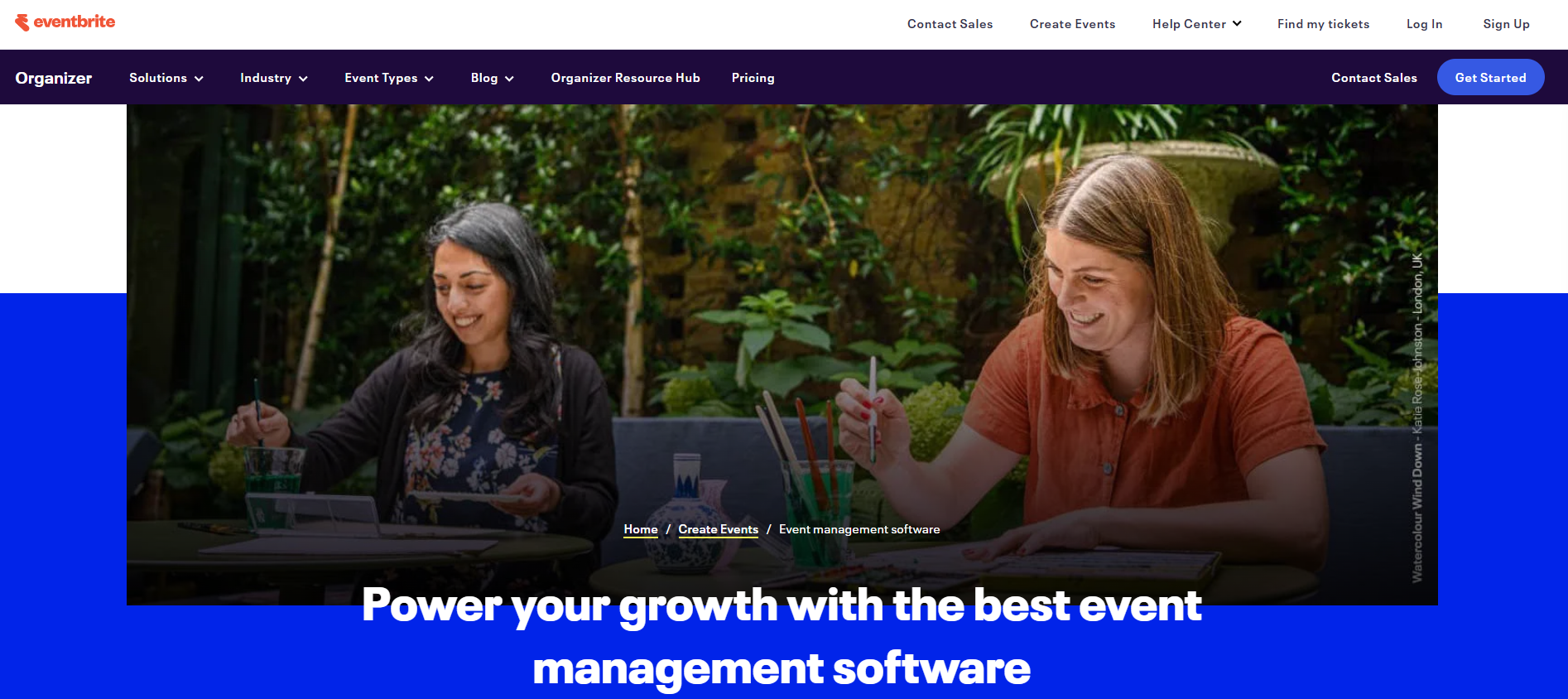
Eventbrite isn't a restaurant-specific, all-in-one event management tool. It's built for creating and promoting public, ticketed events, which makes it a useful add-on for restaurants running ticketed dinners, tastings, or other events rather than private buyouts.
Setup covers the basics you'd expect: customizable event pages, online ticketing for virtual or in-person events, and support for streaming events through Zoom, Facebook Live, and YouTube if you're hosting something hybrid.
Where Eventbrite adds real value is distribution. Listings surface in Eventbrite's own events marketplace, and you can sell tickets directly on Facebook and LinkedIn or run automated ads across Facebook and Instagram that update on their own as you add events or sell out.
For staying in touch with past attendees, the built-in email marketing tools support unlimited contacts and up to 6,000 sends a day. A dashboard and mobile organizer app give you real-time ticket sales and attendance numbers, plus reporting on where sales are coming from so you can see which campaigns are actually driving ROI.
You'll still want a separate system for the internal logistics of a private event, like contracts and BEOs, since Eventbrite is built for the public-facing side.
Main Features
- Event creation and online ticketing for virtual and in-person events
- Customizable, checkout-ready event pages
- Listing in Eventbrite's events marketplace, plus social selling and automated ads
- Email marketing tools and automated attendee notifications
- Real-time sales dashboard and reporting
Pricing & Plans
Listing your event is free as long as the event itself is free. Once you sell tickets, Eventbrite charges 3.7% plus $1.79 per ticket, plus a 2.9% payment processing fee per order.
5. Planning Pod: Best for Venues Managing Bookings Across Multiple Spaces
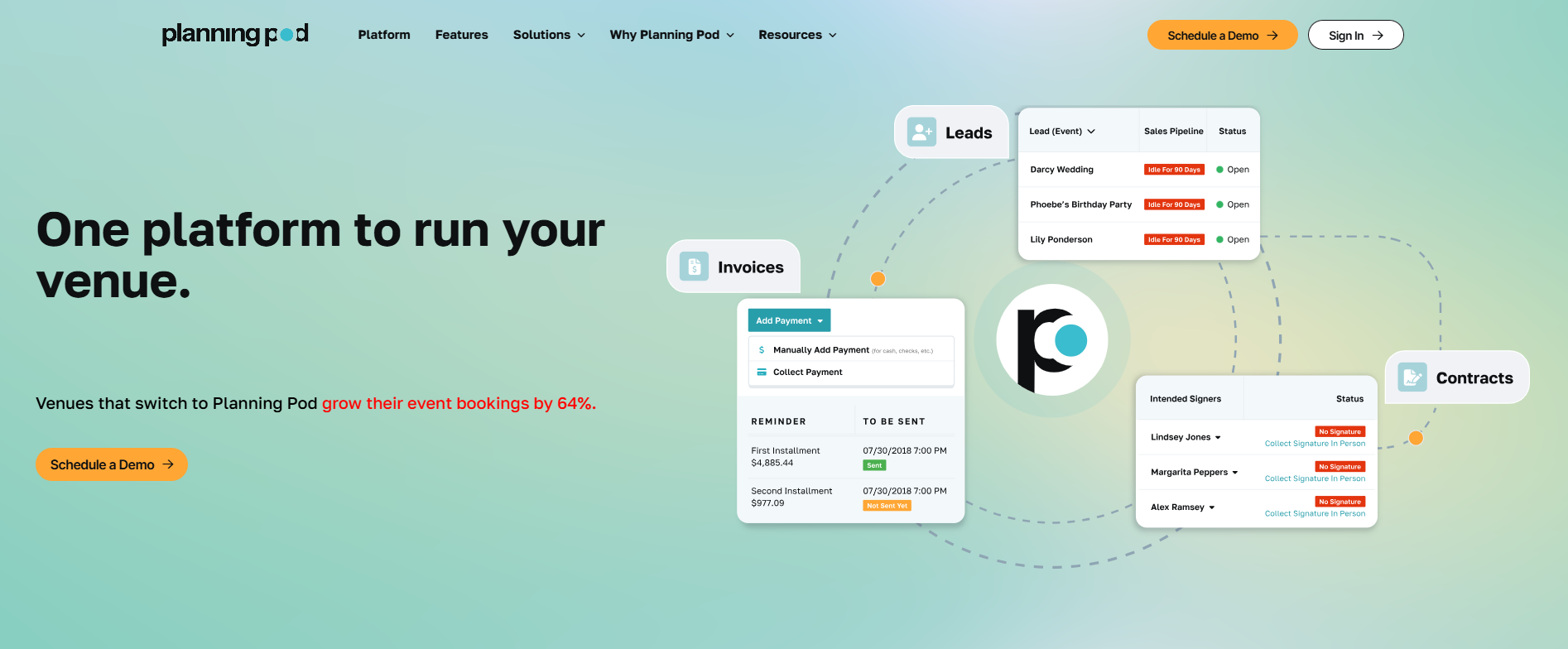
Planning Pod offers venue management software for any venue that sells, books, and hosts events. Restaurants with private dining rooms are one of several verticals it serves, alongside banquet halls, wedding venues, and caterers.
The core of the platform is a shared booking calendar paired with floor plan and space layout tools, so you can visualize a room before you confirm a booking, plus food-and-beverage and equipment management for tracking what a given event actually needs.
On the sales side, lead intake webforms feed directly into a CRM with pipeline automation, and proposals go out with e-signature built in, cutting out a lot of manual re-typing between an inquiry and a signed contract.
Once a booking is confirmed, contracts, installment-based invoicing, and payment processing run through the same system, and clients get a branded portal where they can review details, sign documents, and pay without a separate email thread.
For the event itself, you can build timelines, manage budgets, run registration and ticketing, and check guests in on-site.
Check out our Planning Pod review for more on how it fits restaurants specifically.
Main Features
- Booking calendar with floor plans and space layouts
- CRM with lead intake webforms and pipeline automation
- Proposals, contracts, and e-signatures
- Installment invoicing and integrated payment processing
- Branded client portal for document review, signing, and payment
- Event timelines, budgeting, registration, and check-i
Pricing & Plans
Planning Pod prices subscriptions based on how many events your venue manages at any given time, so you pay for the volume you actually run rather than a flat seat-based fee. For most single-location venues, it’s somewhere from $199 and $319 per month, with annual subscription plans also available. A personalized demo will walk you through which plan fits your actual event volume.
6. iVvy: Best for Event Sales Insights
iVvy covers the full event sales lifecycle from first enquiry to final payment, with a heavier focus on AI-assisted sales speed than most platforms on this list.
Its Instant Proposal tool handles enquiry intake, lead qualification, follow-up, and proposal generation automatically, so your team reviews and personalizes a draft instead of starting one from scratch.
Day to day, the platform runs on a CRM and shared function diary that shows every quoted, tentative, and confirmed booking in one view, alongside branded proposals, e-signature contracts, and version-controlled BEOs that update automatically as event details change.
Invoicing and online payments run through the same system. There's also a ticketed events module with a drag-and-drop website builder if you sell tickets to larger gatherings.
On the reporting side, a PACE report tracks how revenue is trending over time so you can compare performance across periods and catch trends early. iVvy connects with tools like Opera, Xero, Salesforce, and SevenRooms so data doesn't need to be re-entered across systems.
Main Features
- AI-assisted enquiry intake and proposal generation
- CRM and shared function diary
- Branded proposals, e-signature contracts, and version-controlled BEOs
- Automated invoicing and PCI-DSS compliant online payments
- Ticketed events module with a drag-and-drop website builder
- Advanced reporting, including a PACE report on revenue trends
Pricing & Plans
Request a direct quote.

How to Choose the Right Event Management Platform for Your Restaurant
With this many options, the decision usually comes down to a few practical questions about how your venue actually operates.
Match the Software to Your Event Types
A bar running the occasional buyout has different needs than a hotel managing weddings and conferences, or a caterer coordinating off-site drop-offs. If your venue falls into one of those categories, it's worth looking at software built with that use case in mind, whether that's event management software for bars, for hotels, or for catering businesses.
Set a Realistic Budget
Pricing varies a lot across these platforms and changes often, so it's worth checking current rates directly with each vendor rather than relying on an old quote.
Our guide to event management software pricing breaks down what to expect and how different pricing models compare.
Check What It Integrates With
The best event software plays sync with the tools you already use, like your email, calendar, and payment processor. If a platform doesn't integrate with your existing stack, you'll end up doing double data entry, which defeats the purpose of switching in the first place.
Get Your Team to Test It First
Most of these platforms offer a free trial or a live demo. Have the people who will actually use the software day to day try it out before you commit.
Making the Right Choice for Your Restaurant
Managing restaurant events without dedicated software is doable for a while, but it usually catches up with you once your event calendar fills in.
Whether you're looking to attract more bookings, cut down on admin work, or give clients a smoother experience, the right platform should match how your specific venue runs events, not just what's popular in general.
If you're looking for an all-in-one event solution built specifically for restaurants, breweries, and hospitality groups, Perfect Venue offers a free 14-day trial with no commitment required. Try it out today and see how it fits into your event workflow.
Frequently Asked Questions
What is restaurant event management software?
Restaurant event management software is built to help restaurants plan and run private events, covering everything from the first inquiry to the signed contract, the banquet event order, and final payment. It replaces scattered emails, spreadsheets, and paper calendars with one central system.
What are the different types of software restaurants use to run events?
Most restaurants end up using a mix of tools rather than one single platform. That typically includes a reservation system for day-to-day bookings, a POS system like Toast for processing payments, and separate event management software specifically for planning and running private events. Some platforms combine a few of these functions, but few cover everything.
Who can use restaurant event management software?
Any restaurant, bar, brewery, or hospitality venue that hosts private events can benefit, whether that's occasional holiday parties or a steady stream of weddings and corporate bookings. Independent restaurants, multi-location groups, and dedicated catering businesses all use these platforms, though the best fit depends on your event volume and venue type.
Can event management software help reduce no-shows and last-minute cancellations at private dining events?
Yes. Most platforms let you require a deposit to hold a date, send automated reminder emails ahead of the event, and set cancellation policies that are clear to clients from the start. Collecting a deposit upfront tends to be the single biggest factor in cutting down on no-shows for private events.


